Public bodies, local authorities and clubs face particular demands when managing buildings, sports halls and equipment: the inventory keeps changing, while budgets, approvals and data protection rules have to be kept to strictly.
Log+Key gives you two tools for this: self-service plan management right in the app and the object limit of every plan. That way your digital key and inventory management grows exactly with your inventory, transparently and without unplanned extra costs.
How do you change your plan yourself?
On the Billing & Subscription page in the app, without a support request. Whether a new sports hall is added, responsibility for a facility changes or a club's grounds grow: you choose the right plan yourself.
- Current plan at a glance: plan, permitted number of objects, current number of objects, billing interval, rented terminals and total.
- Switch plans: under Available Plans you choose a bigger or smaller plan, from Log+Key Free with up to 10 keys or items upwards. Find Your Plan suggests the right plan for your number of objects.
- Maintain billing information: keep your address, billing email and VAT number up to date on the same page.
Screencast: the Billing & Subscription page with the current plan and the number of objects, then the available plans and the Find Your Plan slider
Current prices are on the pricing page.
What happens when the inventory reaches the object limit?
Log+Key warns in good time and creates no further objects at the limit. Every plan allows a certain number of objects; archived objects don't count.
| Status | What Log+Key does |
|---|---|
| Approaching the limit | Log+Key warns that the inventory is approaching the booked limit. |
| At the limit | No further objects can be created until you switch to a bigger plan or archive objects. |
| Above the limit | After a cancellation or a switch to a smaller plan, take-outs and returns are blocked; you can only archive until the inventory is back within the limit. |
For local authorities and clubs this means extra costs only arise when someone deliberately chooses a bigger plan, i.e. after an approval or a budget decision.
Which billing fits budget planning?
Monthly or annual, with a five per cent discount on annual billing. Annual billing fits the budget planning of local authorities and the budget structure of clubs.
- Pay online: payment runs through the payment provider Mollie, with credit card, Apple Pay, Google Pay, PayPal and other methods.
- By invoice: organisations that used Log+Key before October 2026 keep getting invoices and pay by bank transfer or direct debit.
Who can see billing and subscription?
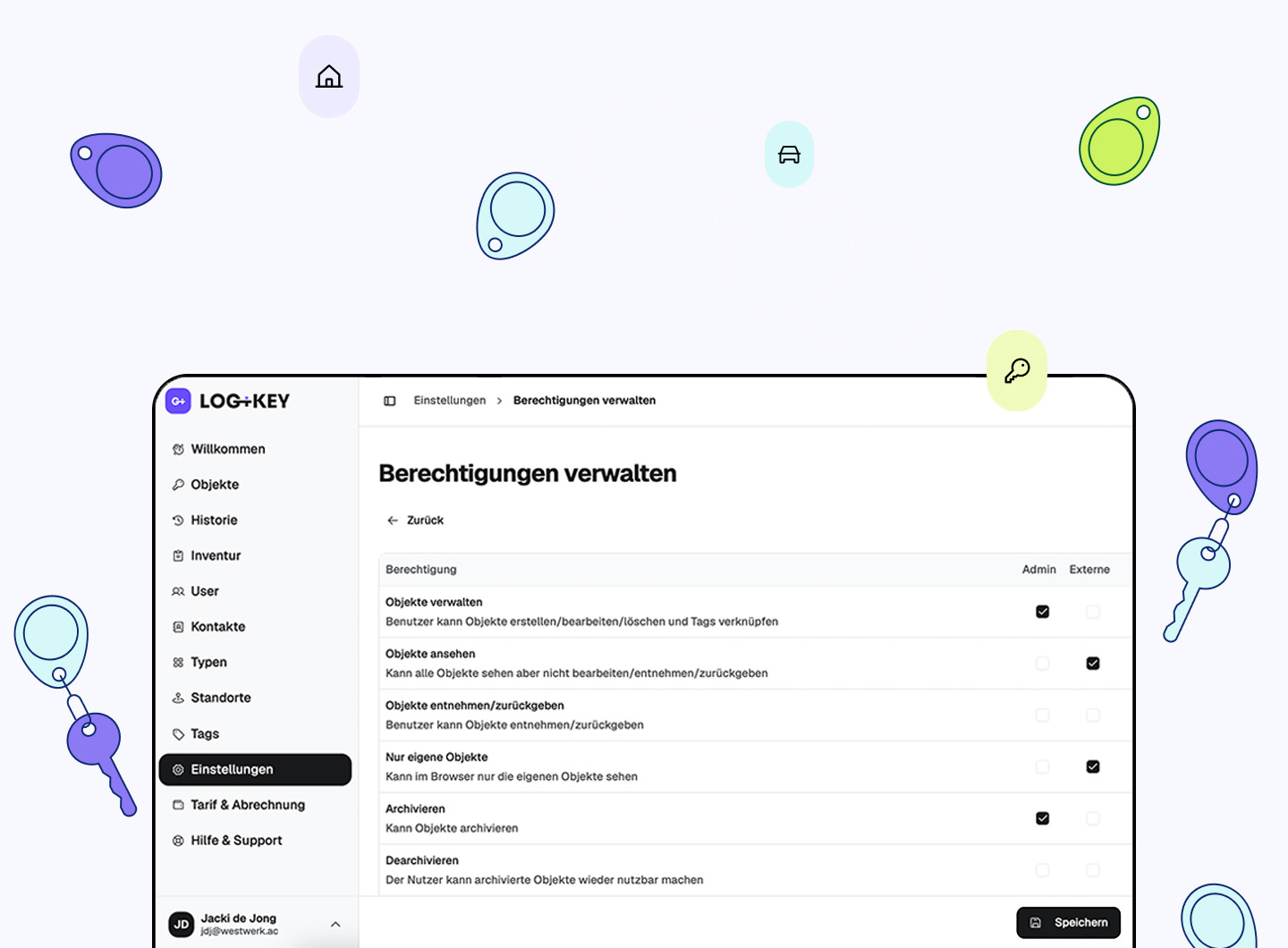
Only people with the permission Manage Subscription and Plan, in the standard roles the owner. Teams of office staff, caretakers and volunteers need clear responsibilities.
- Separate tasks: the operational team manages cabinets and keys day to day; admins and users don't see the Billing & Subscription entry.
- Dedicated roles: with the role management you pass the permission on specifically, for example to the finance department or the club committee.
How do you find the right plan?
- Count your inventory: every key, vehicle and device you manage is an object.
- Tidy up: archive objects that are no longer handed out. They then no longer count towards the limit.
- Use Find Your Plan: enter your number of objects under Billing & Subscription and get a plan suggested.
- Choose the term: monthly, or annual with a discount, to fit your budget.
- Switch: the person with the Manage Subscription and Plan permission chooses the plan right in the app.
Everything about the page is in the guide Billing & Subscription.
The key benefits at a glance
- Predictable costs: the object limit stops the inventory from growing past the budget unnoticed.
- Freedom to act: you manage your plan and billing information yourself, without waiting.
- Clear responsibility: only authorised people see billing and subscription.
- Transparency: plan, usage and costs are on one page.
Read more about Log+Key in public offices, schools and clubs in the article What a works depot and municipal utilities taught us about keys in the public sector and on the page Key management for public institutions. For small inventories, free key management is often enough. Plan management came with Log+Key 2.5.
Would you like to see how Log+Key can support your public body or club? Book a free demo: we'll show you in 15 minutes how easy it is to get started. Or create your own test instance and see for yourself.