Picture the situation: on Sunday morning the supplies for the breakfast buffet need to be fetched from the main store. But the key to the cold store has vanished without trace. Neither the previous evening’s late shift nor the maintenance team knows where it has gone.
Sound familiar? While modern hotels use digital cards for guest rooms, keys to stores, the kitchen, the wine cellar and plant rooms are often still managed by hand. With high staff turnover and changing shifts, security gaps open up quickly.
In this article we walk through the most common pitfalls in key management in hotels and restaurants — and how to get them under control effortlessly and with a proper audit trail using Log+Key.
Which keys does the room card system not cover?
1. Room cards are sorted, but the keys to the kitchen, stores and plant rooms are not 🗝️
- The problem: While the guest areas are secured digitally, keys to sensitive back-of-house rooms hang on a simple board. Everyone has access and nobody signs for taking or returning a key.
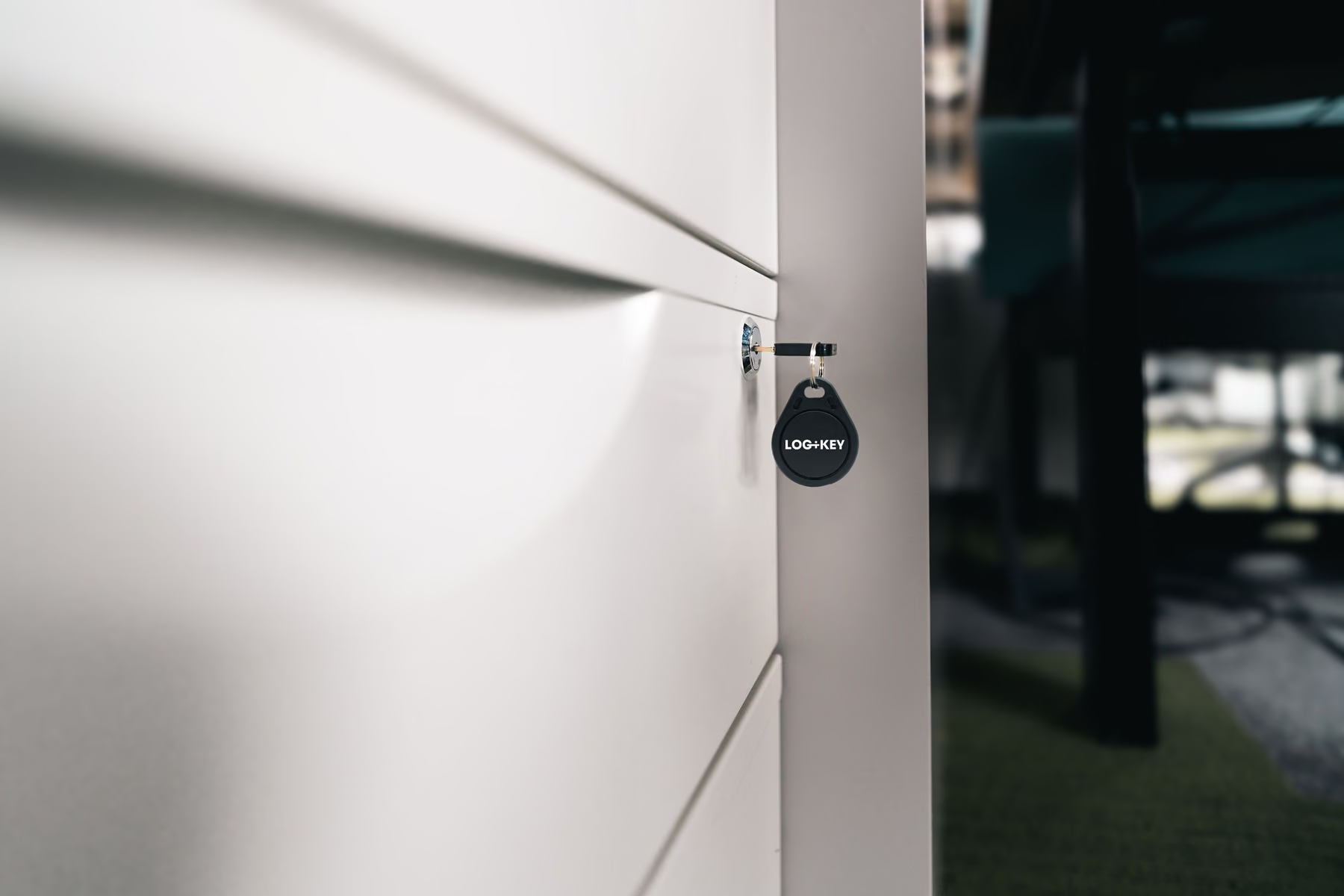
- The Log+Key solution: Smart access control for back-of-house keys. Log+Key secures access. Only authorised staff can take keys, using a PIN or NFC tag.
Film: an NFC tag is scanned with a smartphone and the app lists the items to check out; then a hand holds the tag to the terminal, which confirms the checkout
2. The laundry has the key. But until when, exactly? 🧺
- The problem: External service providers such as laundries, cleaners or maintenance firms get keys to side entrances or linen stores. Nobody keeps track of when they are returned.
- The Log+Key solution: Issuing to third parties with an automatic return reminder. Set return deadlines. Once the deadline passes, Log+Key marks the key as overdue and lets your team know by email.

3. Suddenly the master key is gone 🔍
- The problem: The master key for the whole property is used by the shift supervisor. At the handover to the night shift, the key is suddenly missing.
- The Log+Key solution: A complete history in real time. One glance at the app shows which employee last signed for the master key.
Screencast: the object list is searched for “Dienstwagen”, the “Taken by” column shows who has which key; then a user’s detail page lists their taken objects
4. A seasonal worker leaves — and nobody knows which keys they still have 🧳
- The problem: At the end of the season, service and cleaning staff leave. Only weeks later does anyone notice that keys to staff rooms or stores are missing.
- The Log+Key solution: A quick check at offboarding. Open the user profile before the final payment and see straight away whether every object taken has been returned properly.
Screencast: user list, Jonas Weber’s detail page with “Taken objects” and the “More actions” menu
Which areas of a hotel need a key register?
Hotels have long had a system for guest rooms: the locking system programmes cards, the PMS knows the occupancy. Alongside it there is a second stock that this system never sees:
| Area | Who takes the keys | Typical risk |
|---|---|---|
| Offices, back office | Front desk, administration, shift managers | The master key changes hands at shift change without anyone signing for it |
| Kitchen, cold store, drinks store | Kitchen, service | Who has which key depends on habit and trust |
| Laundry, linen store, side entrances | Housekeeping, external laundry | Keys with external parties and no return date |
| Spa, technical rooms, roof access | Maintenance, service companies | Unclear who had the key last |
| Shuttle van, radios, tablets, tools | Drivers, maintenance | Handed out, but no longer to be found |
Log+Key doesn’t replace a locking system — it documents issues and returns and therefore works with any system, even several at once. Restaurants, cafés and caterers often have no card system at all; there, Log+Key turns habit and trust into a register that can still give you answers when the temp from three months ago is the one in question.
How do you handle keys for seasonal staff and apprentices?
- Record the issue: on the first day every key and card is scanned and assigned to the person — including long-term issues.
- Extend step by step: apprentices gradually get access to more areas; every extension is in the history.
- Scan shift handovers: log in at the terminal with a PIN and scan — every handover is assigned to a person.
- Check before they leave: before the final payment, a look at the profile shows which keys and cards are still outstanding.
Because Log+Key is billed by items rather than per user, seasonal staff get their own account too. For issuing on paper there is a free key receipt for employees.
How do hotel groups keep track of several properties?
For hotel groups, chains and hospitality businesses with several sites, each property works with its own terminal or smartphone while management sees everything in one interface. Each property is set up as its own location: for every person you decide which locations they see and, through roles, what they may do there. Because Log+Key is built API-first, existing systems can be connected — such as your HR software, so that joiners and leavers don’t have to be maintained twice. More under Integrations.
Put an end to key chaos in your hotel!
Secure sensitive areas of your business and save your team valuable time every day. Read more about the benefits of Log+Key for hotels and hospitality.
Book a free demo now! In 15 minutes we will show you how easily it fits into your working day. Or set up your own test instance in a few steps and see for yourself!