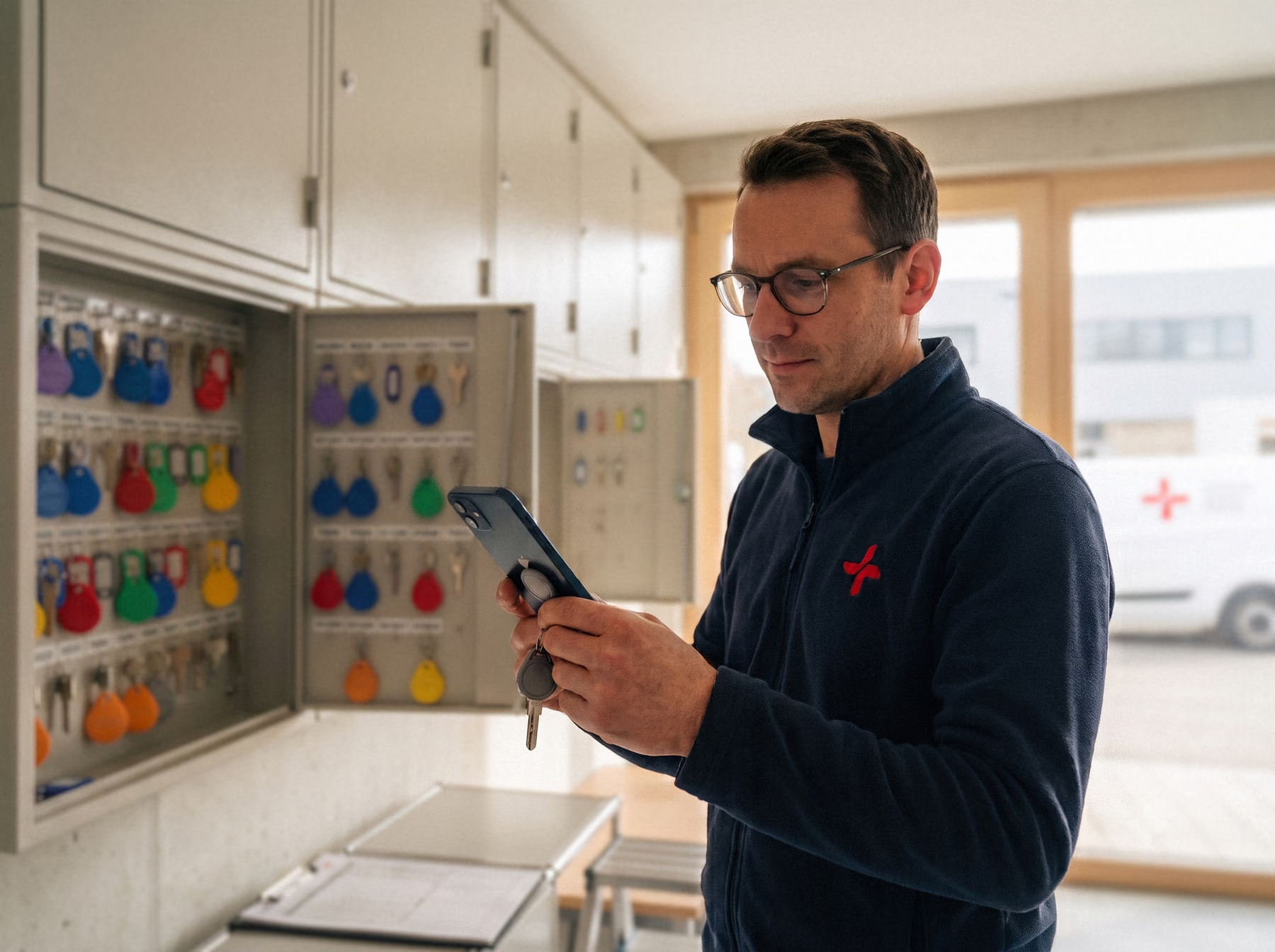
Picture the situation: on Monday morning a new employee is on site and work is about to start. But the key to the plant room is nowhere to be found. The colleague from the late shift probably still has it in his pocket — and he is on holiday this week.
Sound familiar? In the fast-moving day-to-day business of facility management, missing keys, incomplete handovers and illegible receipt books are unfortunately all too often the norm. Yet delays in getting access are only the tip of the iceberg: with every building you manage, you carry full responsibility for someone else’s locking system.
In this article we walk through the most common pitfalls in key management at facility management companies — and how to get them under control effortlessly and with a proper audit trail using Log+Key.
4 familiar key situations in facility management — and how Log+Key helps
1. Who took which key this morning? 🔑
- The problem: Several teams and building technicians use the same key cabinets. Keys are often taken at short notice or passed between colleagues on site without head office knowing. The result: time-consuming searches and work grinding to a halt.
- The Log+Key solution: With our mobile app and the smart terminals, you can see in real time who currently has a key and since when. No more hunting around: one glance at the system shows which colleague is using the key right now.
2. Staff changes — and nobody knows which keys are still out there 🔄
- The problem: Employees leave the company or move to another site. Without a complete overview when they leave, property keys can end up staying with former staff. The risk of an expensive lock replacement at your cost rises sharply.
- The Log+Key solution: An audit-proof overview per user at the push of a button. In Log+Key you see every object an employee currently has with a single click. When staff change, you check in seconds whether all keys have been returned properly.
Screencast: user list, Jonas Weber’s detail page with “Taken objects” and the “More actions” menu
3. Subcontractors borrow keys without a fixed return date 👷♂️
- The problem: External service providers and subcontractors need access to plant rooms. Keys are handed over, but returning them is forgotten in the daily rush. Sensitive property keys stay out of control for days.
- The Log+Key solution: Secure issuing to third parties with automatic deadline monitoring. You assign property keys digitally to external people and set a maximum loan period. Once the deadline passes, Log+Key automatically sends an email reminder to return the key.
Screencast: the key ring “Bund Verwaltung” is assigned to the external contact Petra Vogel via “Assign object” and confirmed with her signature; she then appears under “Taken by”
4. The client wants evidence and the key log is on paper 📓
- The problem: After an incident, the client asks for exact evidence of who had access to certain parts of the building over recent months. A dusty paper book with illegible signatures looks unprofessional and leaves you struggling to explain.
- The Log+Key solution: A complete history at the push of a button. Log+Key documents every movement in an audit-proof way. Using the history feature you filter by object in seconds and produce complete evidence of every checkout, including date, time and person.
Screencast: history with the filter, then a history entry with the “Print receipt” and “Send receipt” buttons
Put an end to key chaos in facility management!
Professional key management is more than just tidiness — it is an important signal to your clients of how reliable your facility management is. Read more about the benefits of Log+Key for facility management.
Book a free demo now! In 15 minutes we will show you how easily it fits into your working day. Or set up your own test instance in a few steps and see for yourself!